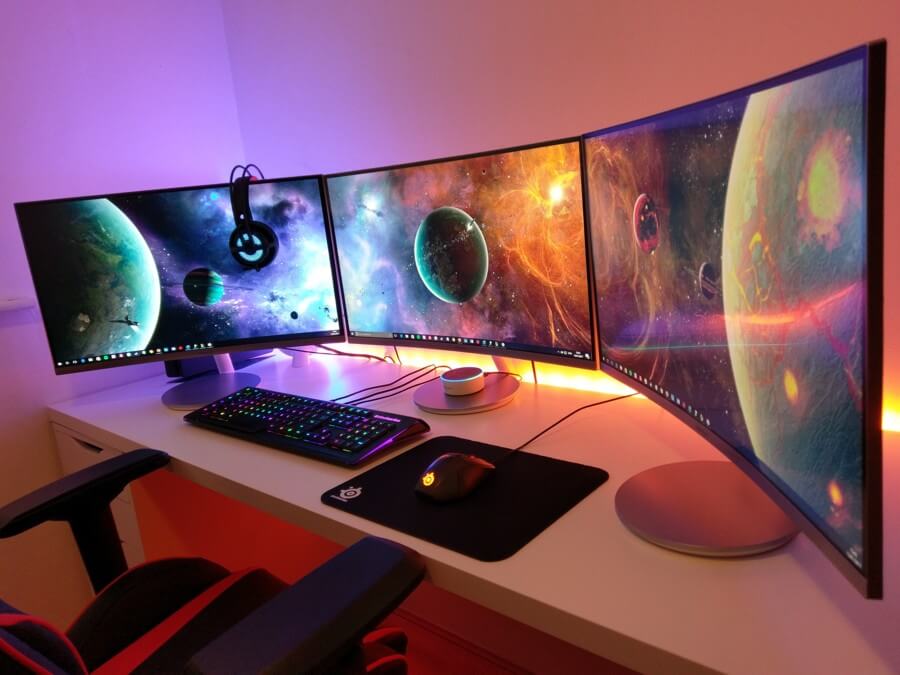
| Desktop | Laptop |
| Mobility | A desktop computer is used in a fixed spot and therefore cannot be used everywhere. | A laptop can be used anytime and anywhere. |
| Price/quality ratio | The average price of a desktop is lower than that of a laptop with comparable specifications. That price often excludes a monitor, a keyboard and a mouse, however. | The price of a laptop is higher than that of an equivalent desktop computer. A laptop is, on the other hand, an all-in-one solution, because at the time of purchase you are provided with a screen, a keyboard and an integrated mousepad all at once. |
| Compactness | Because of the size and the additional accessories a desktop requires, it is not as easy to store away. For a desktop you therefore need enough space and a fixed spot, such as a desk, although they are also getting smaller than a few years ago. | A laptop takes up little space and is easy to store away. A laptop does not need a fixed spot to be stored. The so-called mini laptop is even so small that it easily fits in a bag and you hardly notice you are carrying a computer. |
| Upgrade options | It is simpler and often cheaper to upgrade a desktop than a laptop. Think, for example, of adding a better graphics card, more memory, a faster hard disk or an SSD. This way you can keep using your pc for even longer. | The upgrade options of a laptop are often more limited than those of a desktop computer. |
| Low risk of failures | A desktop stays in a fixed spot. The advantage is that the pc is less susceptible to wear and defects. In addition, a desktop does not depend on a battery and its associated limited lifespan. | In most cases a laptop is moved around regularly, which means a laptop has a higher risk of wear and defects. In addition, a laptop is fitted with a battery, which has a limited lifespan. |
| Ergonomic working posture | An important advantage of desktop computers over laptops is that the working posture is often considerably better. You can decide for yourself what the distance to the screen, the size of the keyboard and the position of the mouse are. On top of that, you often automatically adopt a more active posture behind a pc. | The fact that a laptop is highly mobile also has a downside. With a laptop you quickly end up working in a non-ergonomic posture (on the sofa, on the train, etc.). Moreover, the size of the keyboard, the distance to the screen and the position of the touchpad are fixed. There are of course plenty of solutions to overcome this drawback, such as adding an external screen or an external mouse. |
| Low maintenance costs | On average, the repair costs of a desktop computer are lower than those of a laptop. Thanks to the way a pc is built, the components are more accessible than those of a laptop. | The cost of repairing a laptop is on average often higher than for a desktop. This has to do with the compactness of a laptop, which makes many parts harder to reach. |
| Energy | Desktops that run roughly 8 hours a day consume an average of 600 kWh per year. | For laptops those averages lie between 150 and 300 kWh per year. On an annual basis, that is a fairly considerable difference compared with a desktop. |
| Screen | With desktops you can use much higher-quality and larger screens. | Up to 17 inches maximum. |
| All-in-one solution | When you buy a desktop computer, you are often not there yet. Besides the 'tower' with the components, you usually still have to buy a screen, a keyboard and a mouse separately. The advantage is that you get to choose yourself. That way you put together your ideal system entirely to your own liking. | When you buy a laptop, you can get started straight away. The screen, the keyboard and the mouse are all built into the device and therefore do not have to be purchased separately. |